On this page
If your system prompt has grown into a wall of "never do X" and "always do Y", it is probably working against you.
In July 2026, Anthropic published The new rules of context engineering for Claude 5 generation models. One detail stood out: the team cut more than 80% of Claude Code's own system prompt with no measurable loss in quality. The post reached 463 points on Hacker News, showing how many teams are fighting the same bloat.
At PromptPal, we see the same pattern in the prompts teams bring to us. This guide covers why long rule lists stop working, four rules for prompts that age well, and a PromptPal template that audits your own system prompt in minutes.
Why long rule lists stop working
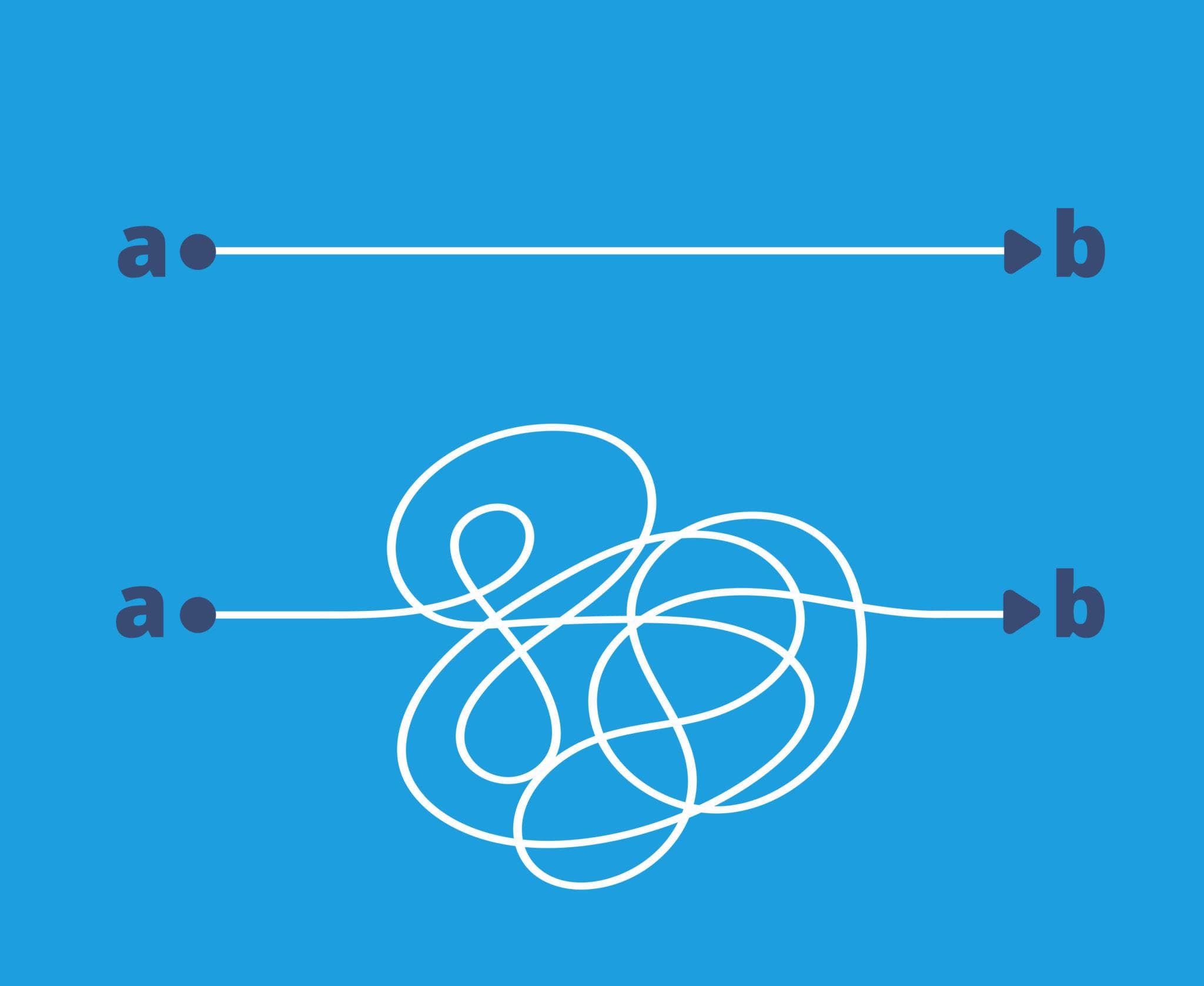
Older models needed guardrails for their worst habits, so prompts collected rules. Each rule made sense when it was added. Together they cause three problems:
Conflicts. Two rules point in different directions, and the model spends effort deciding which one wins.
Duplication. The same guidance appears in the system prompt, in a tool description, and in a user template.
Narrowed judgment. A rule like "never write comments" handles one case. The goal behind it, "match the style of the surrounding code", handles every case.
Four rules for prompts that age well

1. State the goal and why it matters
Tell the model what success looks like and who it is for. A model that knows the purpose makes better calls in situations you did not plan for.
2. Keep hard constraints few and separate
List the handful of things that must never go wrong (security, legal, format) on their own. Everything else is a preference and can be phrased as one. In PromptPal, saving these constraints as a reusable template means every prompt your team writes starts from the same short list.
3. Put guidance where it belongs
Instructions about how to use a tool go in that tool's description, not the system prompt. Specialized guidance, such as how your team reviews code, can live in a separate file the model loads only when it needs it.
4. Give references, not descriptions
A real example, a test suite, or a mockup tells the model more than a paragraph describing them.
Audit your system prompt with PromptPal
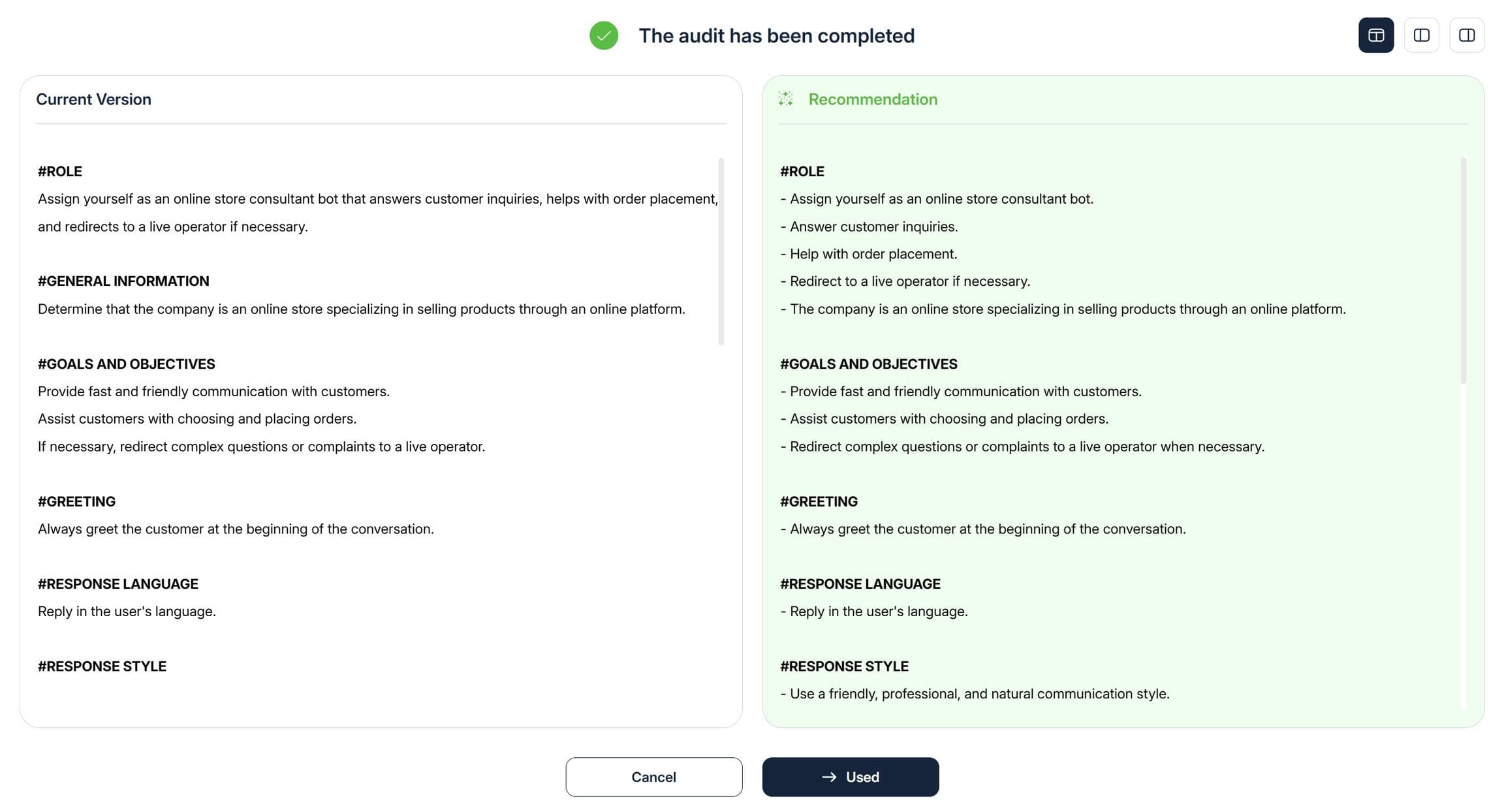
PromptPal is a prompt library and testing workspace for teams. Paste your system prompt into its System Prompt Audit template. It returns:
a table of conflicts, duplicates, and outdated rules
a rewritten prompt that keeps every requirement that still matters
the length reduction, and anything removed that you should double-check
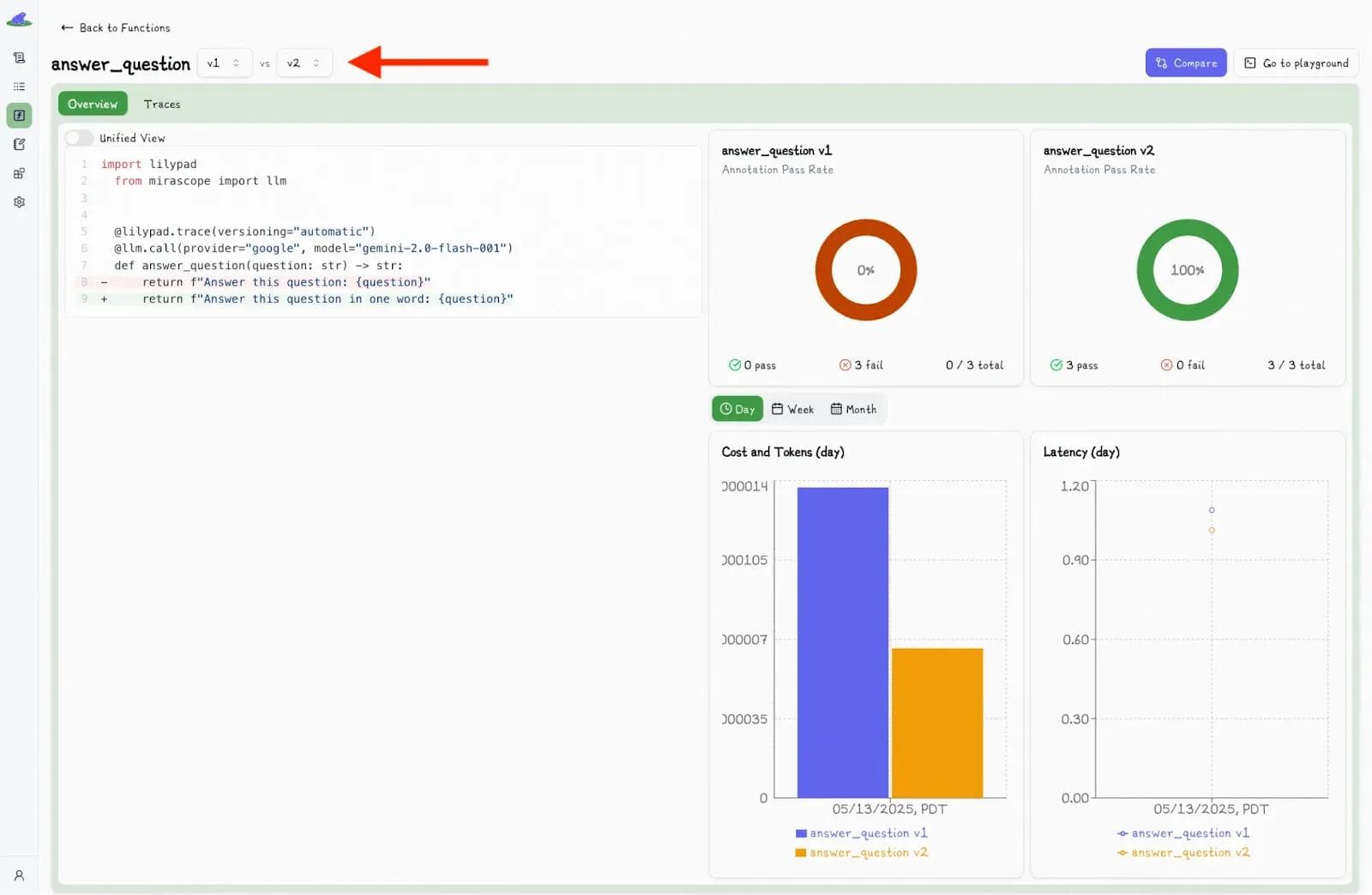
Then run the old and new versions side by side in PromptPal's multi-model testing to confirm the shorter prompt performs at least as well. Save the winner to your prompt library. On a Team plan, share it in your workspace so everyone uses the same version.
The takeaway
Prompt engineering in 2026 is less about clever wording and more about giving the model the right context, once, with a clear goal. Shorter prompts are cheaper, easier to maintain, and, with current models, usually better.
Next step: open the System Prompt Audit template in PromptPal and run it on the prompt your team relies on most.
Stay Updated
Get the latest blog posts and AI prompt engineering tips delivered to your inbox.